 PhotoCube
Pick a template
Pop-up cards, pyramids and a magic cube, each with its own colours and from 3 to 18 photos.
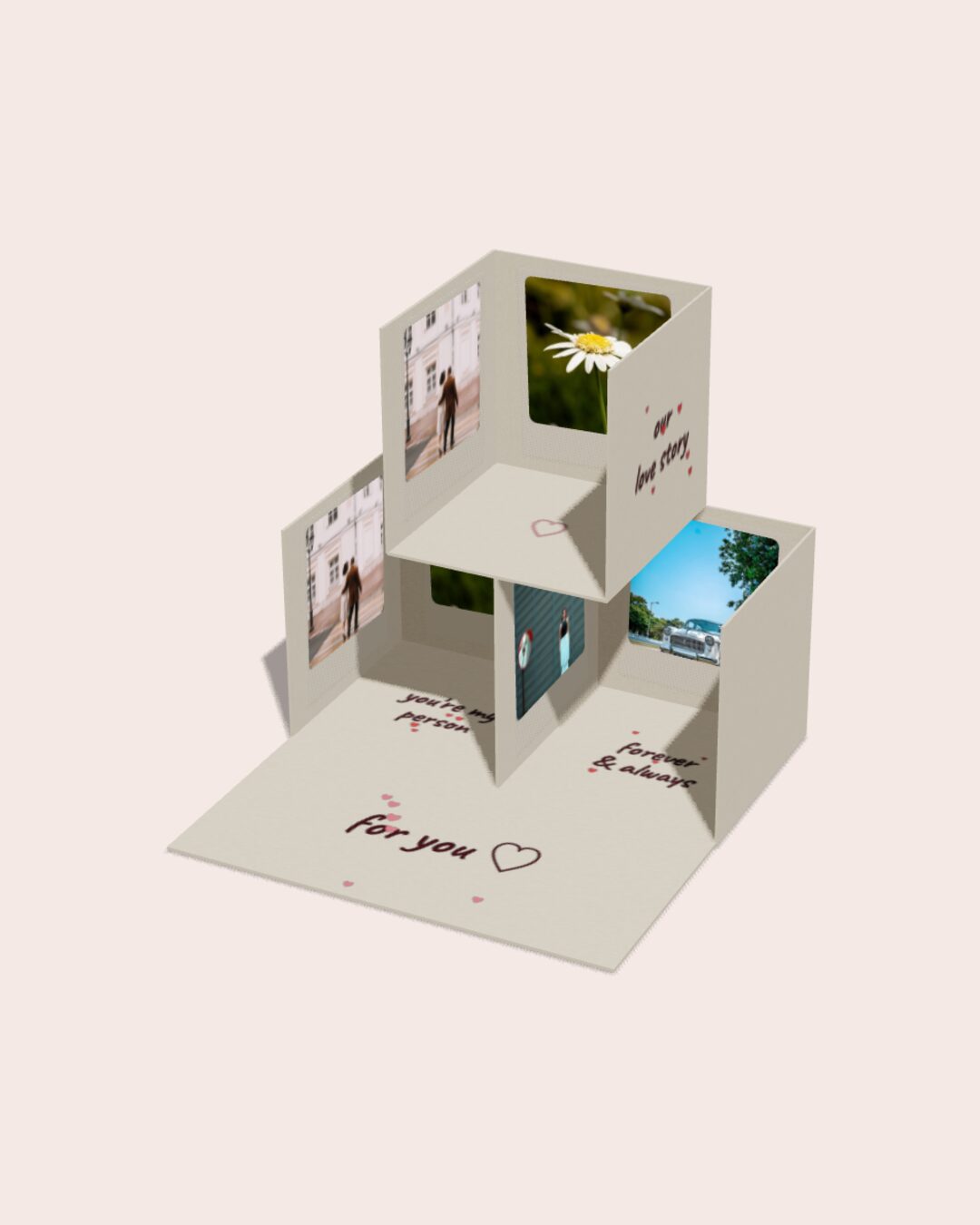
A free pop-up photo card and video maker. Pick a card, a pyramid or a magic cube, put your photos in, and watch the paper open and tour every photo. Save it as an MP4 or a PNG.
Free in your browser. Your photos stay on your device.
Cubes stand up off a card's fold, a pyramid rises row by row, a magic cube folds from photo to photo. The camera visits every one, then it all folds flat again.
Pop-up cards, pyramids and a magic cube, each with its own colours and from 3 to 18 photos.
Add them all at once. Drag a photo to frame it, pinch to zoom, and drag the list to put them in order.
Turn it round in 3D, pick its size and background, the photo tour on or off. Then save an MP4 or a PNG.
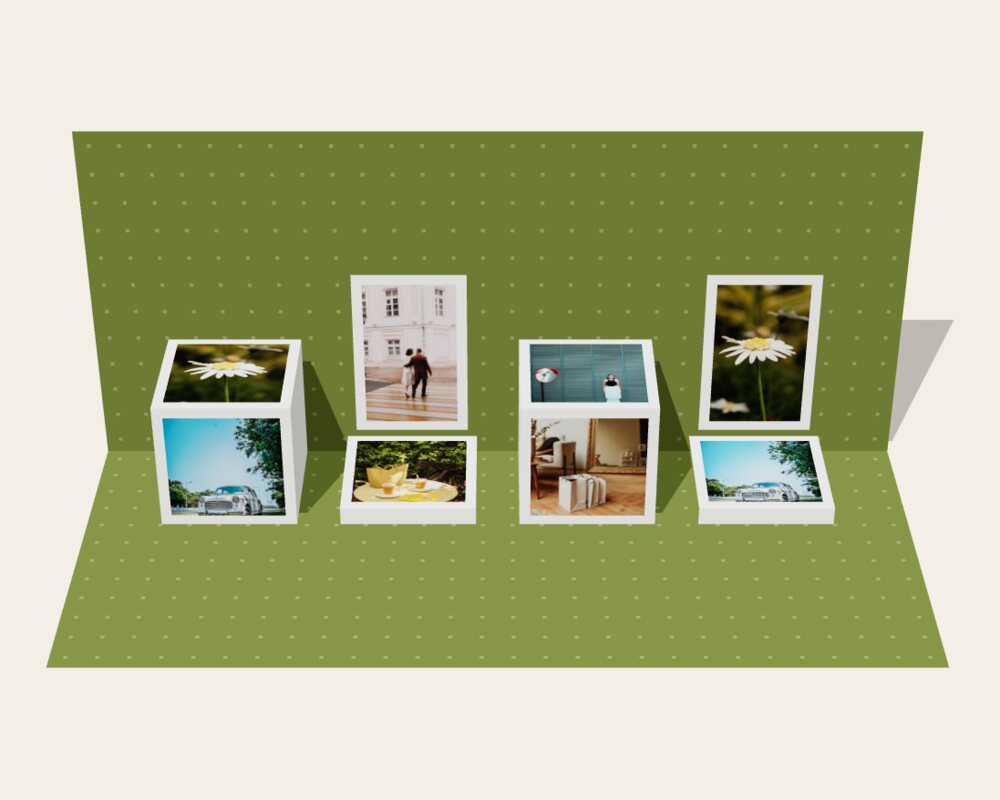
A folded card opens and two photo cubes and two photo steps pop up off its fold, then it closes again.
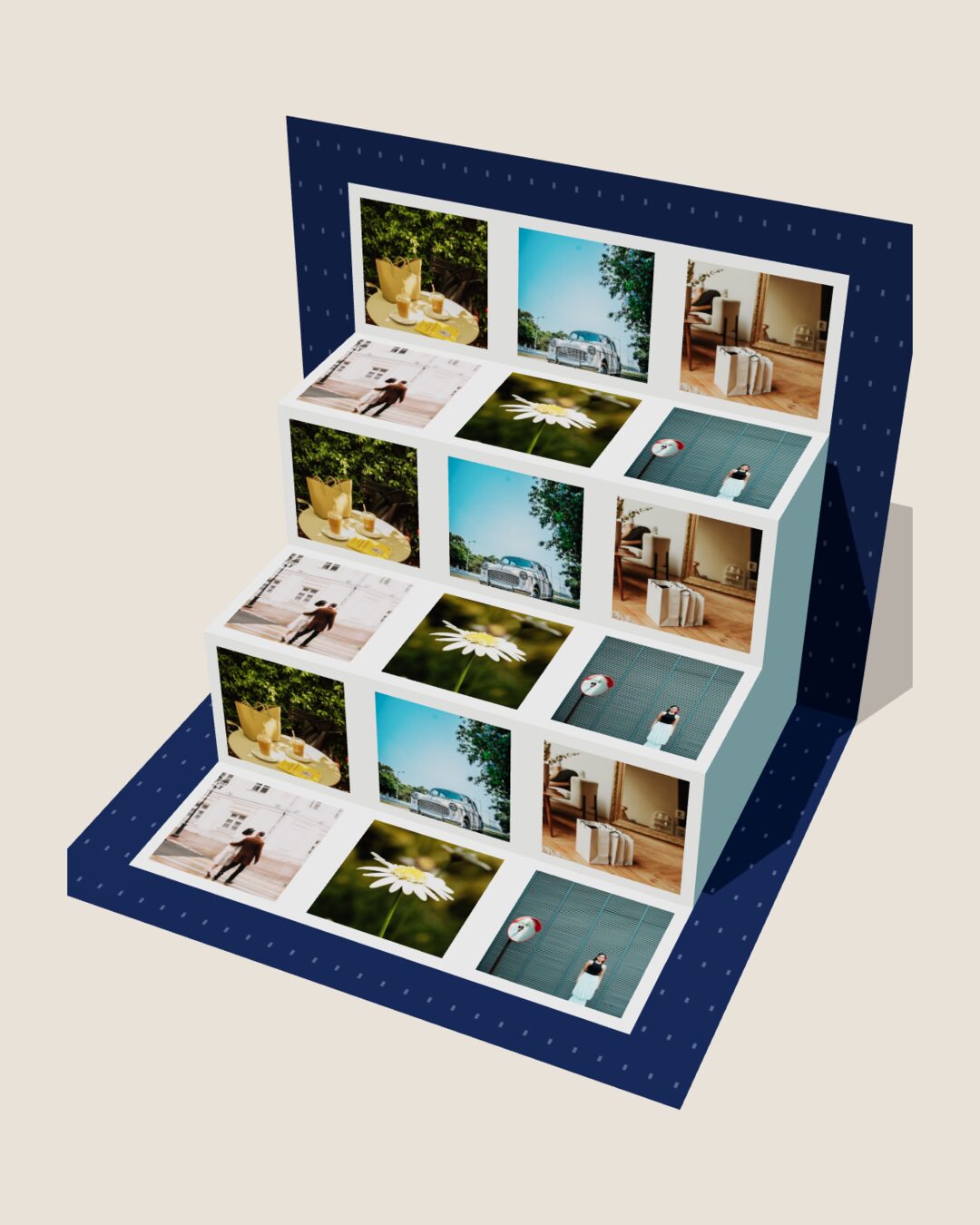
8 photosA folded card opens and a staircase of eighteen photos climbs from its base to its back.
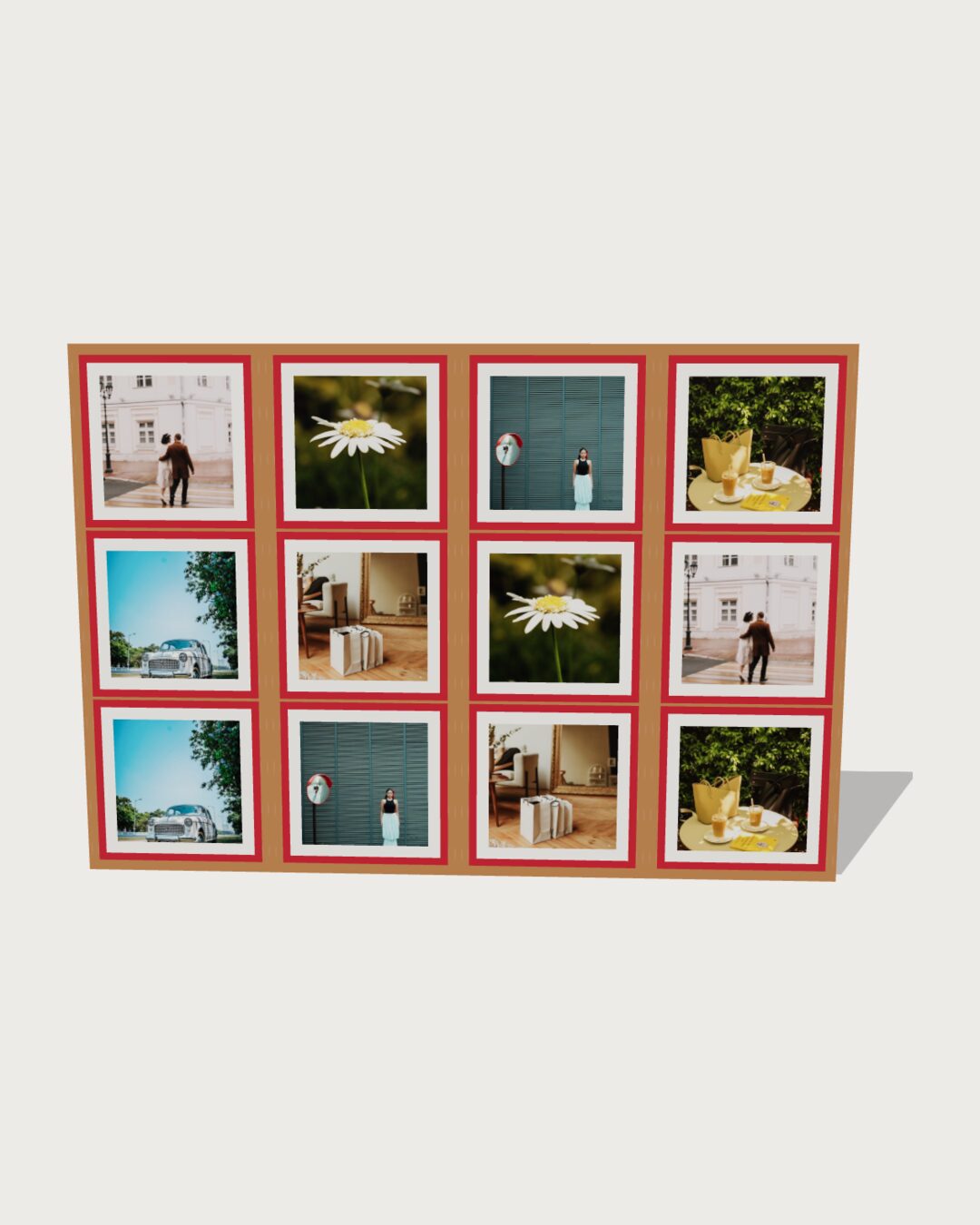
18 photosA slim kraft card unfolds into a strip of twelve photos, its middle doors swinging open last.
12 photosA love note that pops up into a pyramid of your photos.
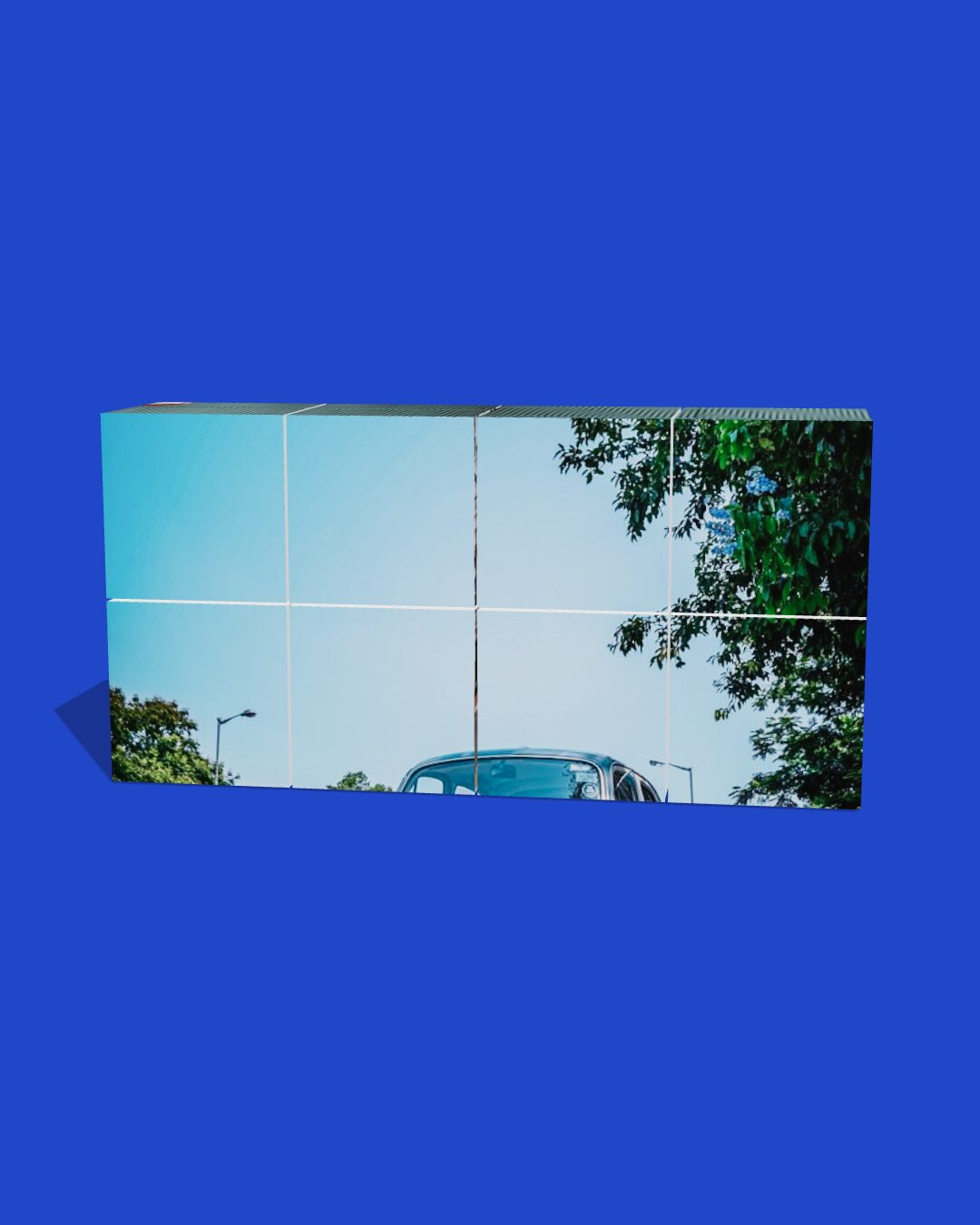
9 photosEight paper cubes fold and unfold, and every turn brings a new photo to the front.
4 photos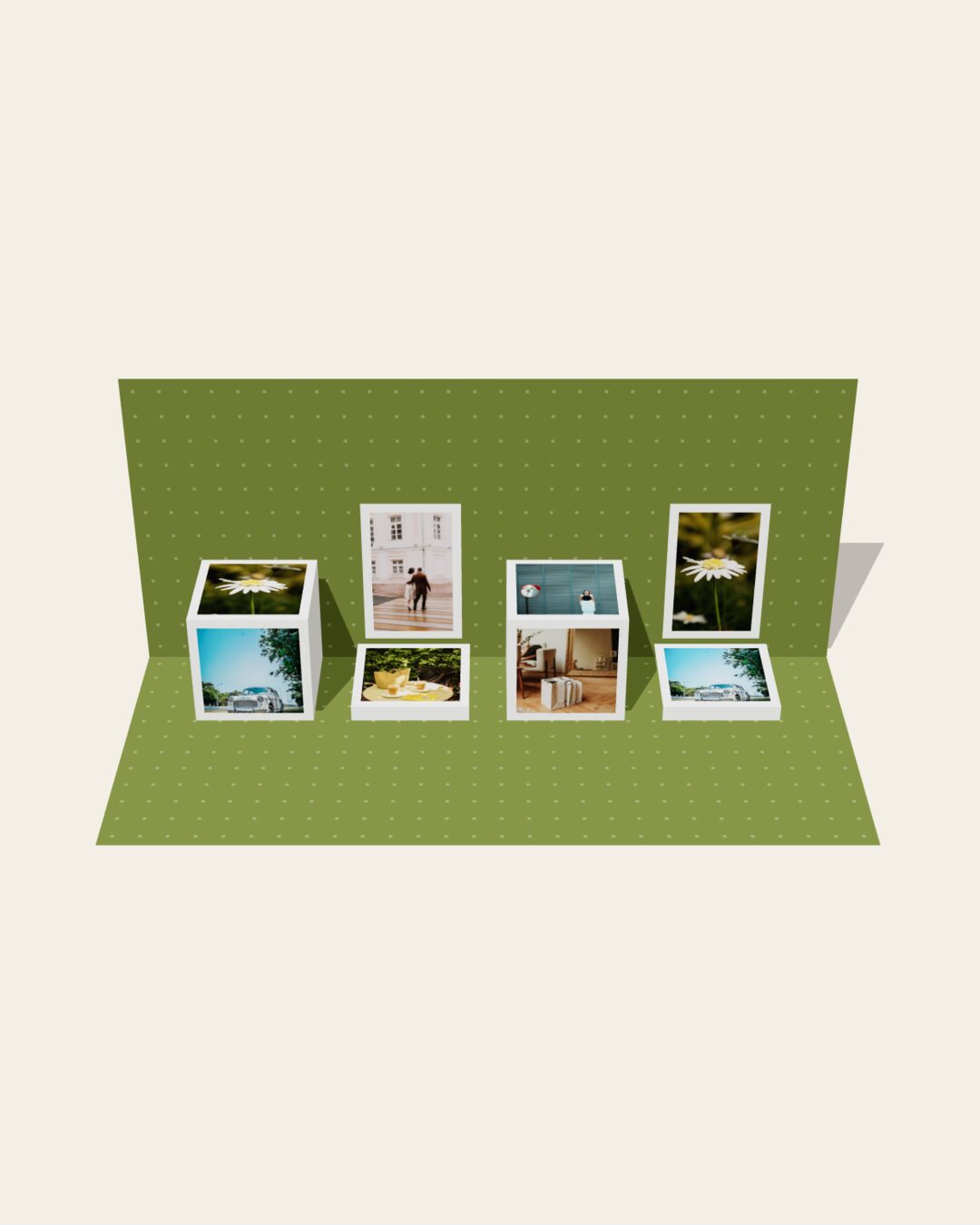
No. PhotoCube builds your pop-up and renders the video on your device; your photos are never uploaded.
One whole loop. With the photo tour on, the camera stays a couple of seconds on each photo, so more photos make a longer video. Turn the tour off for a short open-and-close clip.
Square 1:1, portrait 4:5 and 9:16, or landscape 16:9, for any template. Pick it in the preview.
Chrome, Edge and Safari 17 or later. Older browsers save still images.
Open PhotoCube in your phone's browser and add it to your home screen: it works like an app, offline too.