 PhotoCube
Mini Cube: a 3D photo cube from three photos
One small cube, three photos. The quickest pop-up to make, and a small hello to send.
- 3 photos
- Starts at 1:1
- MP4 video or PNG
- Free, no sign-up
- 1 Add 3 photos
- 2 Preview in 3D
- 3 Save MP4 or PNG
Free, no sign-up. Your photos stay on your device.
How to make your Mini Cube
- 1
Add 3 photos
Choose them all at once from your phone or computer. Drag a photo to frame it, pinch or scroll to zoom, tap it to swap it.
- 2
Preview it in 3D
Watch the paper open and fold flat again. Drag to turn it round, pick its size and background, and turn the photo tour on or off.
- 3
Save and share
Save an MP4 video of the whole loop, or a PNG image, then post it or send it. Everything happens on your device.
What to make with it
One cube, three photos. A small hello.
- A quick hello or good luck
- Three photos of one moment
- A square clip for messages
Questions
How many photos does Mini Cube need?
3. Add them all at once; any spot you leave empty keeps a plain paper card. Tap a photo to change it, drag it to frame it.
Is it free?
Yes. No account and no sign-up. Saved videos and images carry a small PhotoCube mark in the corner.
Do my photos get uploaded?
No. The 3D card and the video are made in your browser, on your device. Your photos never leave it.
Which sizes can I save?
Square 1:1, portrait 4:5 and 9:16, or landscape 16:9. This template starts at 1:1. Save an MP4 video or a PNG image.
More templates
All 13 templates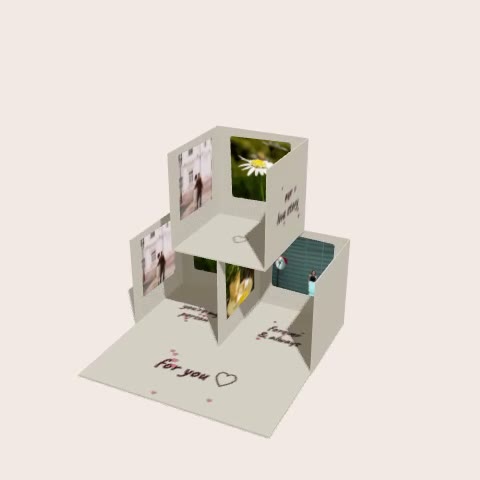
Little Memories
9 photosA love note that pops up into a pyramid of your photos.
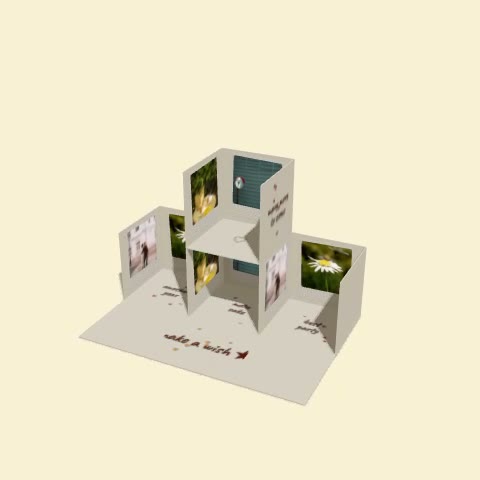
Birthday Pop
12 photosTwelve photos of the birthday star, under a card that says it first.
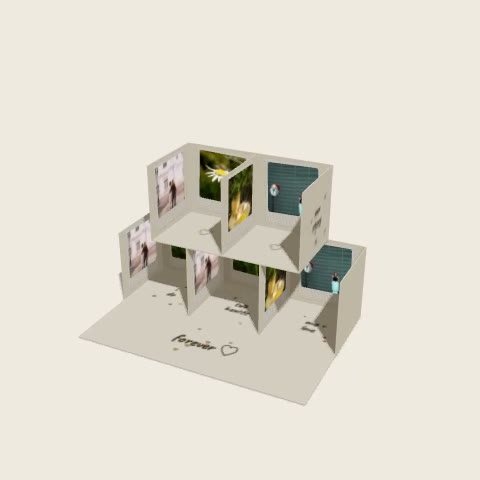
Forever
15 photosFifteen photos from the big day, in ivory and gold.
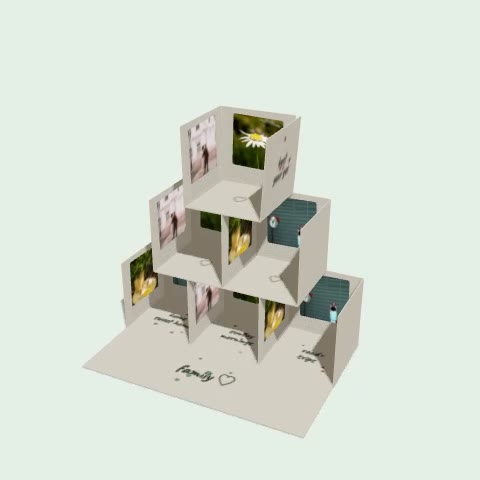
Our Year
18 photosEighteen photos of the family's year, three rows high.
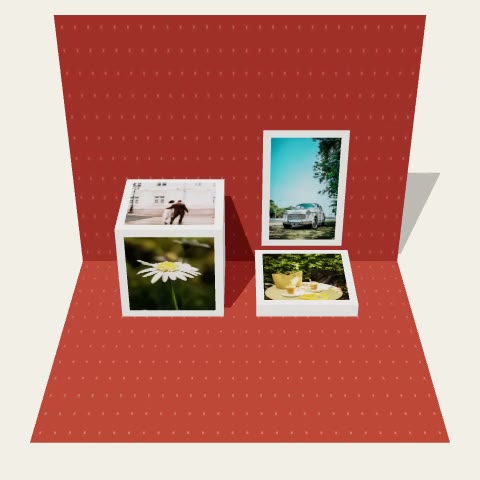
Pop-up Photos Card · 4
4 photosA small folded card: a photo cube and a photo step pop up off its fold.
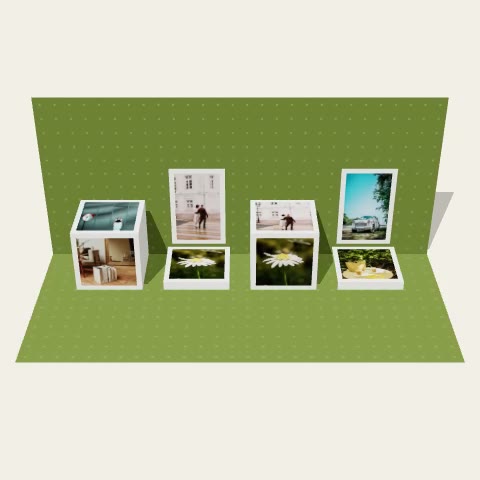
Pop-up Photos Card · 8
8 photosA folded card opens and two photo cubes and two photo steps pop up off its fold, then it closes again.